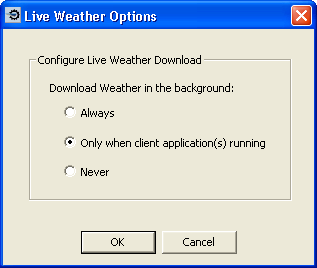
The Live Weather Options command opens a dialog to set a preference for when weather is downloaded.
· Select Always to download weather data whenever your computer is connected to the Internet, even when the FliteStar program is not running.
When would you use this option?
· Select Only when FliteStar is running to download weather while you use FliteStar, and stop the download when you close FliteStar. This is the default setting.
· Select Never to turn off the background download.